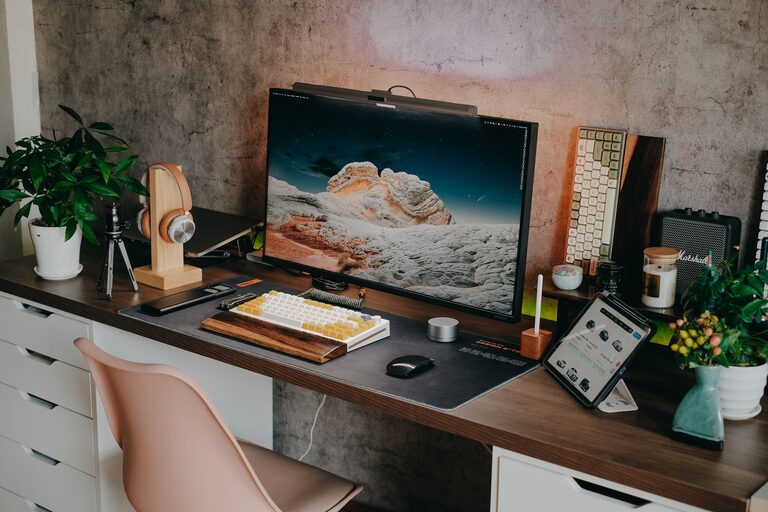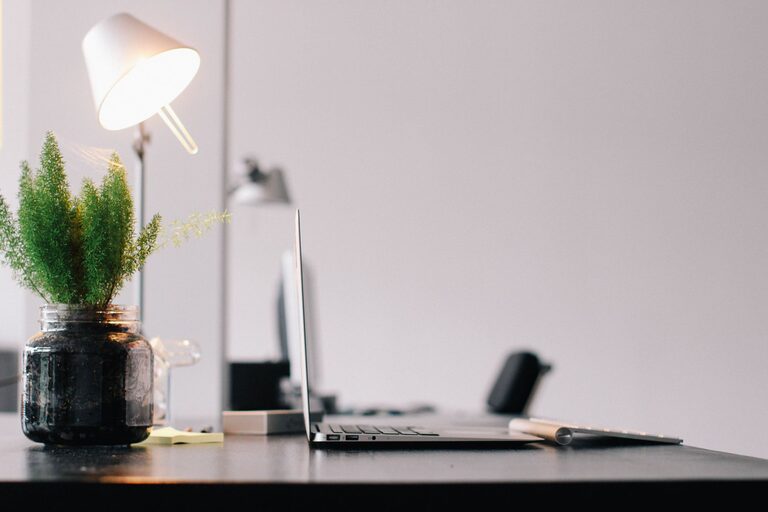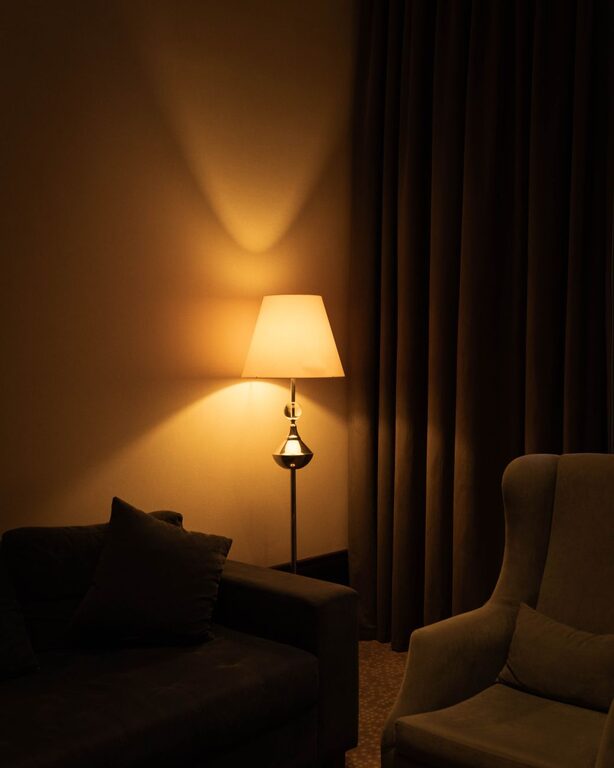


Creating a dedicated home office space that is both comfortable and productive can significantly enhance your work-from-home experience. Whether you’re working remotely full-time or occasionally, a well-designed workspace can help you focus, reduce stress, and improve overall job satisfaction. In this guide, we’ll share practical tips for setting up a home office that supports your needs and encourages productivity.
Choose the Right Location
The first step in creating a home office is selecting the ideal spot. Aim for a quiet area away from high-traffic zones to minimize distractions. If possible, pick a space with natural light, such as near a window. Adequate lighting not only helps reduce eye strain but also elevates your mood.
If space is limited, consider multifunctional areas, like a corner in the living room or a section of your bedroom. Use room dividers or shelving units to separate your workspace visually from the rest of the room.
Invest in Ergonomic Furniture
Comfort plays a crucial role in productivity. Investing in ergonomic furniture helps maintain good posture and prevents aches and pains during long work hours.
– Chair: Choose an adjustable office chair with lumbar support. The chair should allow your feet to rest flat on the floor and enable your knees to be at about a 90-degree angle.
– Desk: Select a desk at a height where your elbows rest comfortably at your sides, forming a 90-degree angle while typing. Consider sit-stand desks if you want flexibility.
– Accessories: Use a keyboard tray, monitor riser, or footrest if needed, to optimize comfort.
Keep Your Workspace Organized
A clutter-free environment helps you focus and reduces stress. Follow these tips to maintain an organized workspace:
– Use drawers, shelves, or filing cabinets to store documents and supplies.
– Invest in desk organizers for pens, paper, and tech gadgets.
– Keep only daily essentials on your desk to limit distractions.
– Set aside time at the end of each day to tidy your workspace.
Optimize Lighting
Good lighting is essential to reduce eye strain and fatigue.
– Combine natural light with ambient and task lighting.
– Position your desk perpendicular to windows to avoid glare on your screen.
– Use adjustable desk lamps to illuminate paperwork or keyboard areas.
– Choose bulbs with a color temperature between 4000K and 5000K for a natural white light that improves concentration.
Minimize Noise and Distractions
Not everyone has the luxury of a quiet home, but there are ways to reduce noise distractions:
– Use noise-canceling headphones or earbuds.
– Add soft furnishings like rugs, curtains, or cushions to absorb sound.
– Play low-volume background music or white noise to mask household sounds.
– Establish boundaries with family members during working hours.
Incorporate Personal Touches
Adding personal touches can make your workspace a more inviting and inspiring place to be.
– Decorate with plants to improve air quality and add a calming effect.
– Hang artwork or photographs that motivate you.
– Choose colors that boost your mood—blue and green tones are often calming, while yellow and orange can energize.
Create a Routine and Set Boundaries
To stay productive, it’s important to separate work time from personal time, even when working from home.
– Set specific working hours and stick to them.
– Communicate your schedule with family or roommates.
– Take regular breaks to stretch, hydrate, and rest your eyes.
– Avoid working in bed or on the couch to maintain a clear mental boundary between work and home relaxation.
Leverage Technology Efficiently
Having the right technology can enhance your productivity but avoid cluttering your desk with unnecessary devices.
– Ensure a stable internet connection.
– Use wireless peripherals to reduce cable clutter.
– Set up multiple monitors if your work requires it.
– Keep your devices charged and software up to date for smooth performance.
Maintain Healthy Habits
Your workspace can encourage healthy habits that support work efficiency.
– Keep a water bottle nearby to stay hydrated.
– Use a timer or productivity app to manage tasks and breaks (e.g., Pomodoro technique).
– Incorporate brief stretches or exercises during breaks to reduce tension.
—
Designing a comfortable and productive home office doesn’t require a big budget or a large space; with deliberate planning and thoughtful choices, anyone can create a workspace that supports focus and well-being. Start small, adjust as you go, and enjoy the benefits of having a home office tailored just for you.