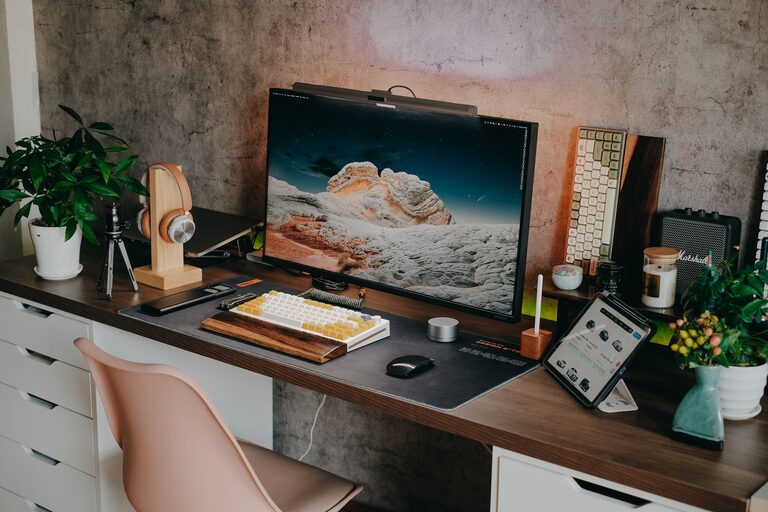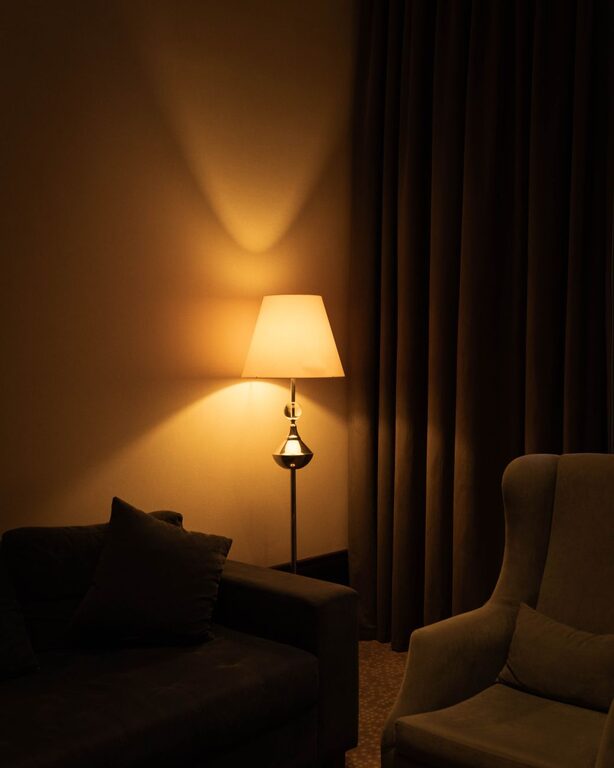


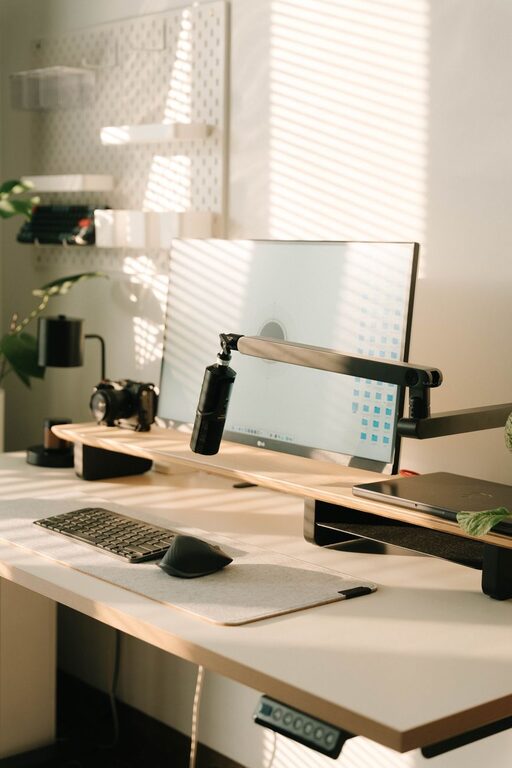
Creating a home workspace that balances coziness with functionality can make a big difference in your daily productivity and overall well-being. Whether you’re working remotely full-time or using your space occasionally, designing a spot that feels comfortable and keeps you organized is key. Here are some helpful tips to transform any corner of your home into a workspace you’ll enjoy spending time in.
Choose the Right Location
Consider natural light
A well-lit area can improve mood and focus. Try to set up your workspace near a window to take advantage of natural sunlight, but avoid glare directly on your computer screen.
Minimize distractions
Pick a spot away from high-traffic areas or noisy parts of your home. If you don’t have a dedicated room, a quiet corner or a nook with some privacy screens or room dividers can help.
Invest in Comfortable and Supportive Furniture
Ergonomic chair
Your chair should support good posture to prevent back and neck pain. Look for adjustable height, lumbar support, and comfortable cushioning.
Functional desk
Choose a desk that suits the type of work you do. It should be large enough for your computer, notes, and other essentials without feeling cluttered.
Consider standing desks
If you like to alternate between sitting and standing, an adjustable desk can provide flexibility and encourage movement.
Organize Efficiently
Declutter regularly
Keep only the items you need daily on your desk. Store extras in drawers, shelves, or boxes to maintain a tidy space.
Use organizers and storage solutions
Desk organizers, file holders, and cable management tools help keep everything in its place and reduce visual distractions.
Digital organization
Don’t forget to keep your computer desktop clean and files properly sorted. Use cloud storage for easy access and backup.
Add Personal Touches for Cozy Comfort
Choose soothing colors
Soft, neutral colors like light blues, greens, or earth tones create a calming atmosphere. Avoid overly bright or harsh colors that can cause eye strain.
Add texture and warmth
Incorporate a soft rug, throw blanket, or cushions to make the space feel inviting. A comfortable environment can reduce stress and boost creativity.
Bring in greenery
Plants improve air quality and add a touch of nature that helps reduce anxiety and increase focus.
Optimize Lighting
Use layered lighting
Combine natural light with adjustable task lighting and ambient lighting for a well-balanced workspace. A desk lamp with adjustable brightness is especially helpful.
Avoid glare and harsh shadows
Position lights to reduce glare on your screen and minimize shadows that can strain your eyes.
Create a Routine and Set Boundaries
Make your workspace work-only
Keeping work materials in one place helps separate your home and work life, making it easier to “switch off” at the end of the day.
Keep a schedule
Set work hours and take scheduled breaks. Moving away from your workspace during breaks helps maintain energy and productivity.
Technology Considerations
Reliable internet and equipment
Ensure your internet connection and tech devices are fast and reliable for smooth work sessions.
Backup devices and power
Consider a backup power source or surge protector and keep chargers handy to avoid interruptions.
—
By paying attention to comfort, organization, lighting, and personal touches, you can create a home workspace that feels both cozy and efficient. A thoughtfully designed space supports your focus, reduces stress, and makes working from home a pleasant experience. Start with small changes, and you’ll soon notice a big difference in how you work and feel.